MooseTrax Sprite Maker
A downloadable tool for Windows, macOS, and Linux
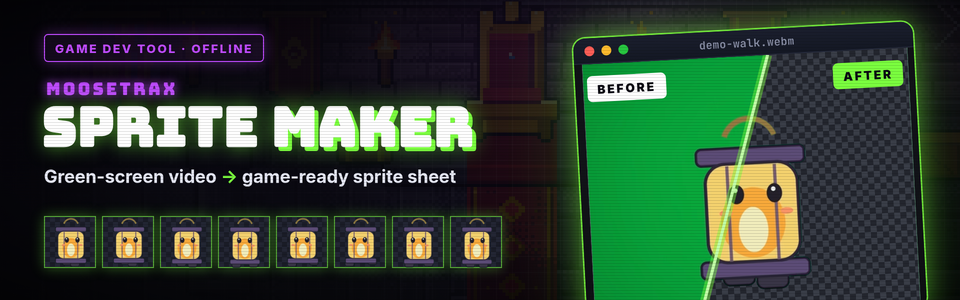
Green screen in. Sprite sheet out.
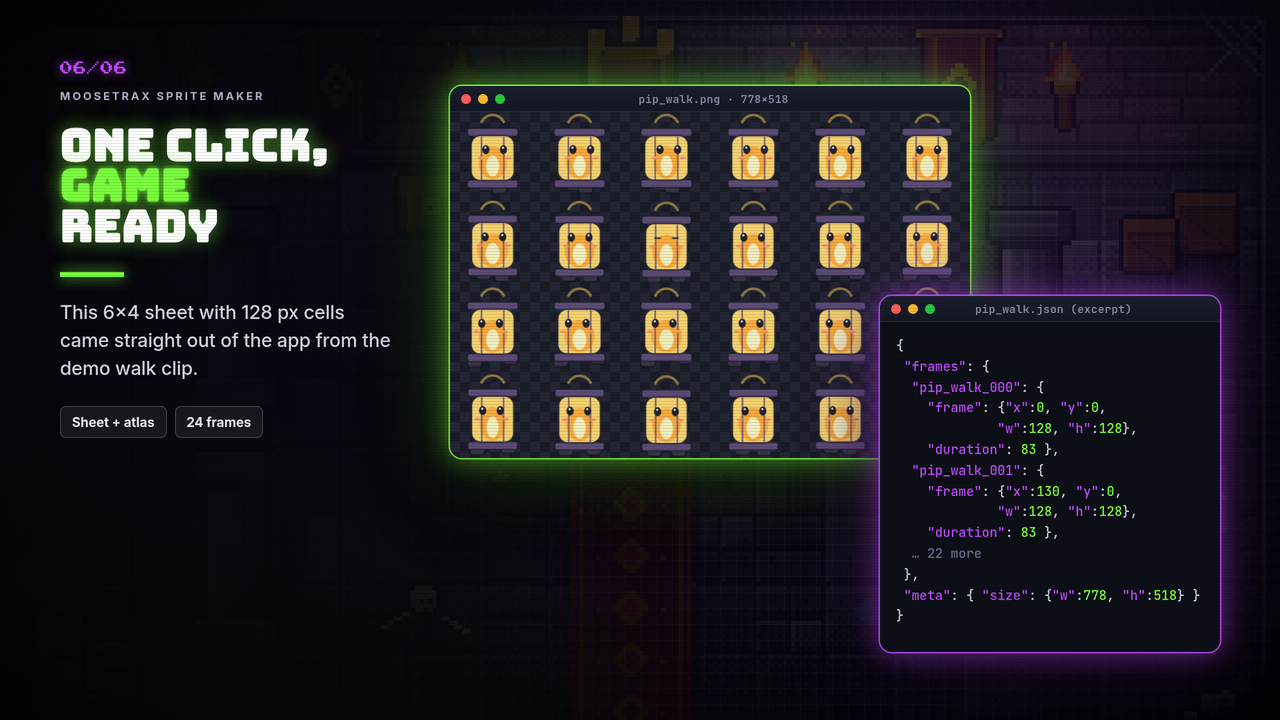
MooseTrax Sprite Maker turns a green-screen video or a pile of animation frames into a clean, game-ready sprite sheet. Pick the moment, key out the backdrop, trim and size the frames, then export a sheet PNG, a JSON atlas, a ZIP of frames or an animated GIF.
It runs offline in your browser. Double-click index.html and drop in your clip. No install, no account, no internet. Your files never leave your computer.
How it works
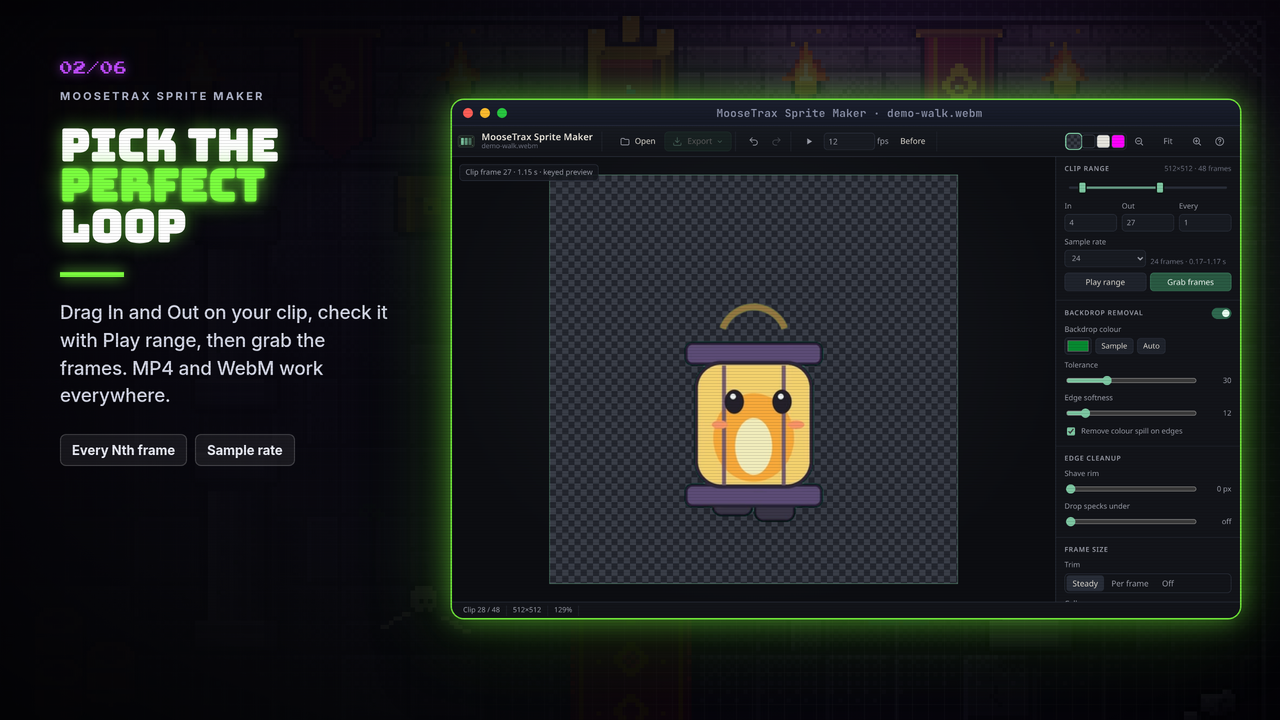
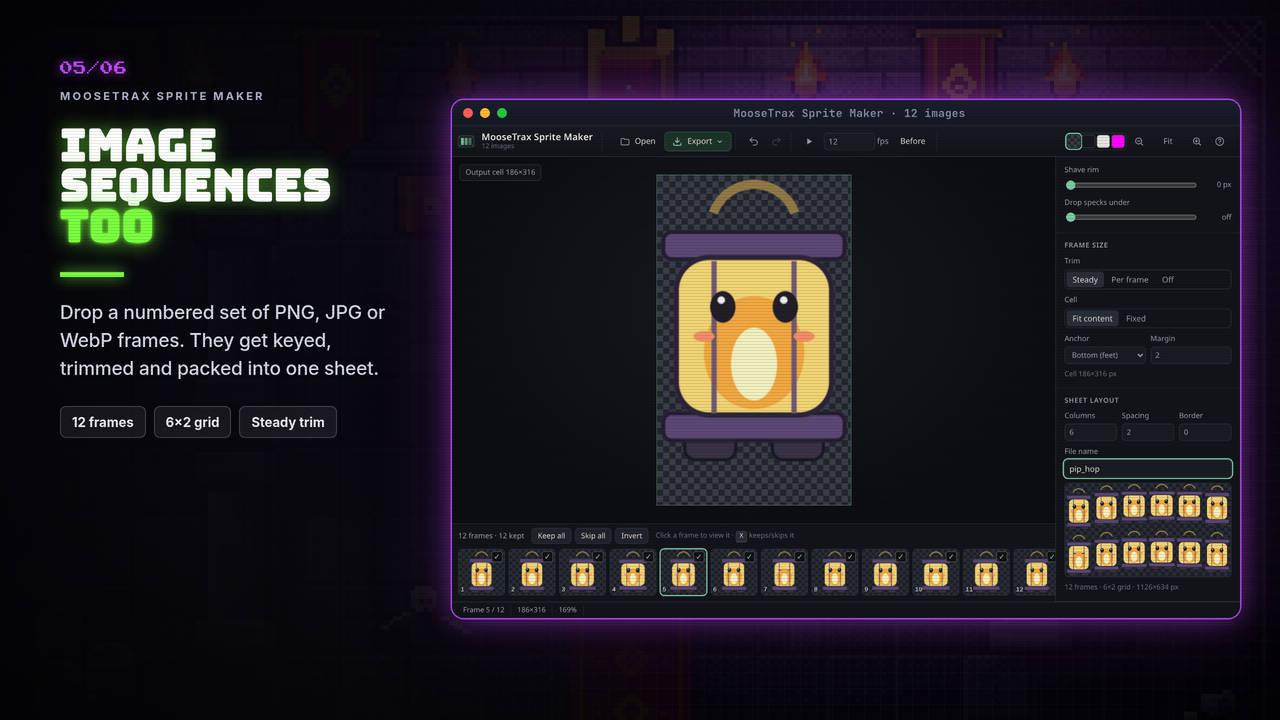
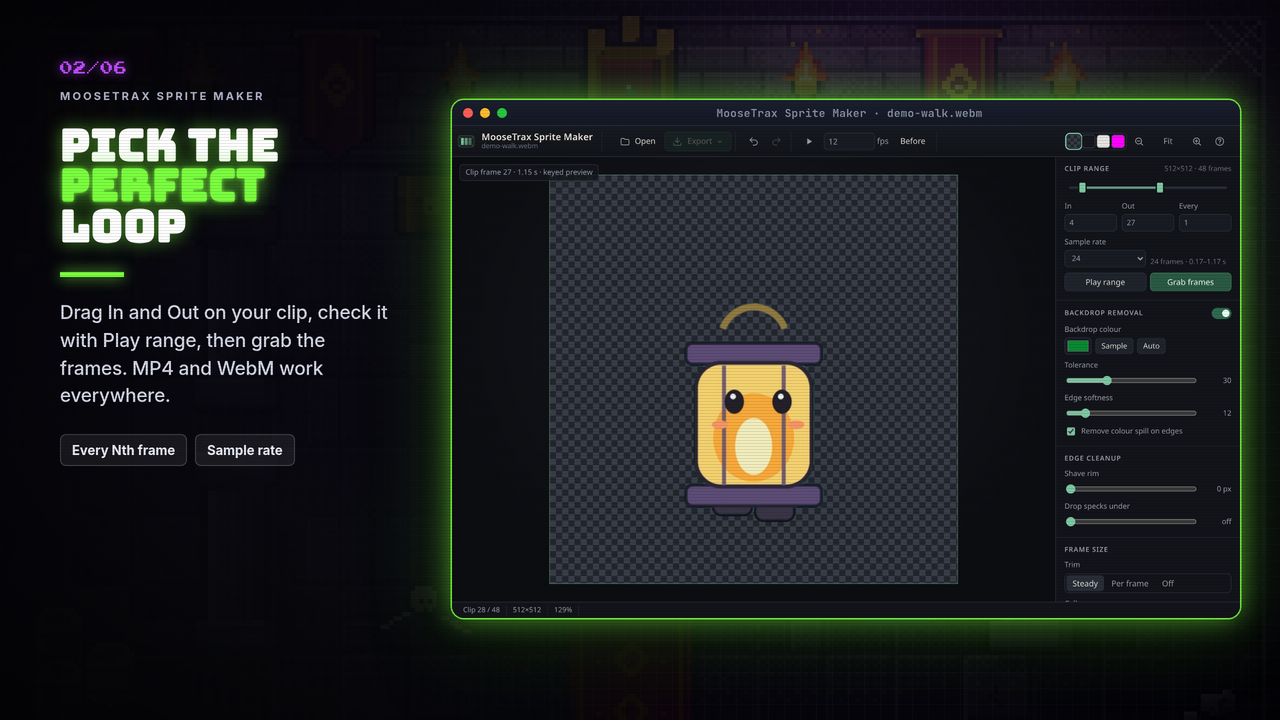
- Pick the moment. Drag the In and Out handles to the part of the clip you want, preview it with Play range, and grab the frames. Image sequences work too.
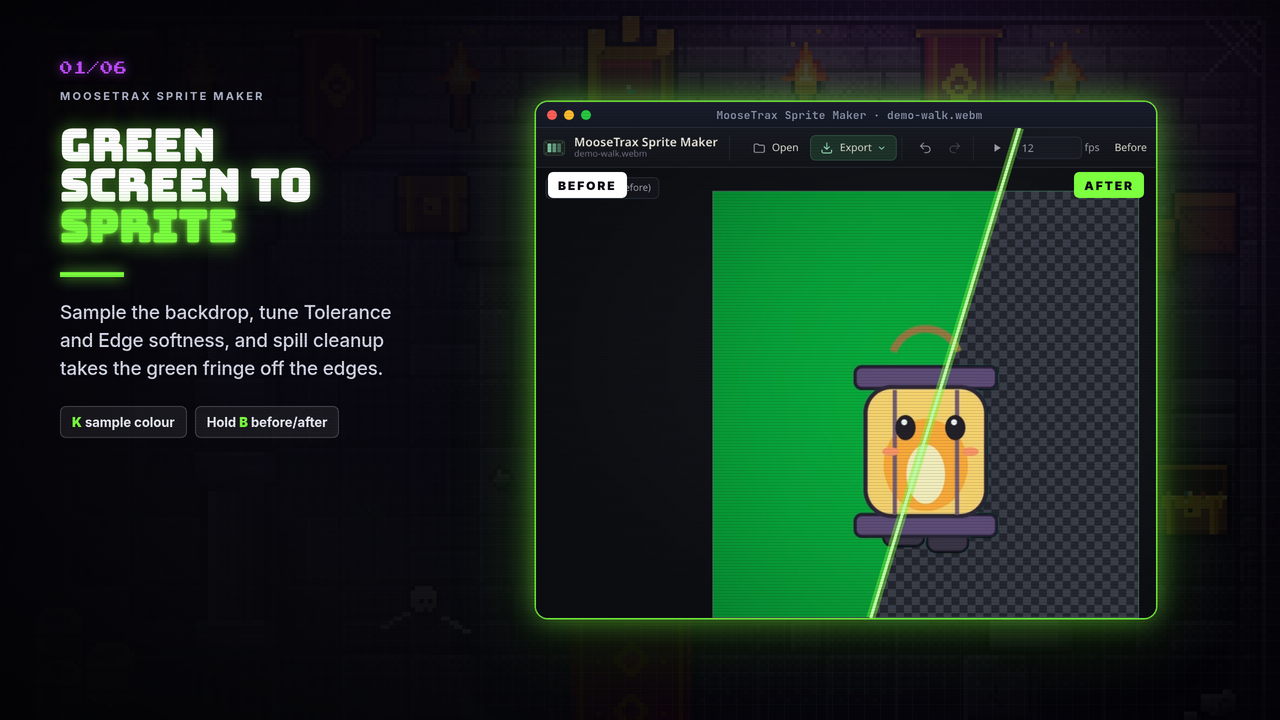
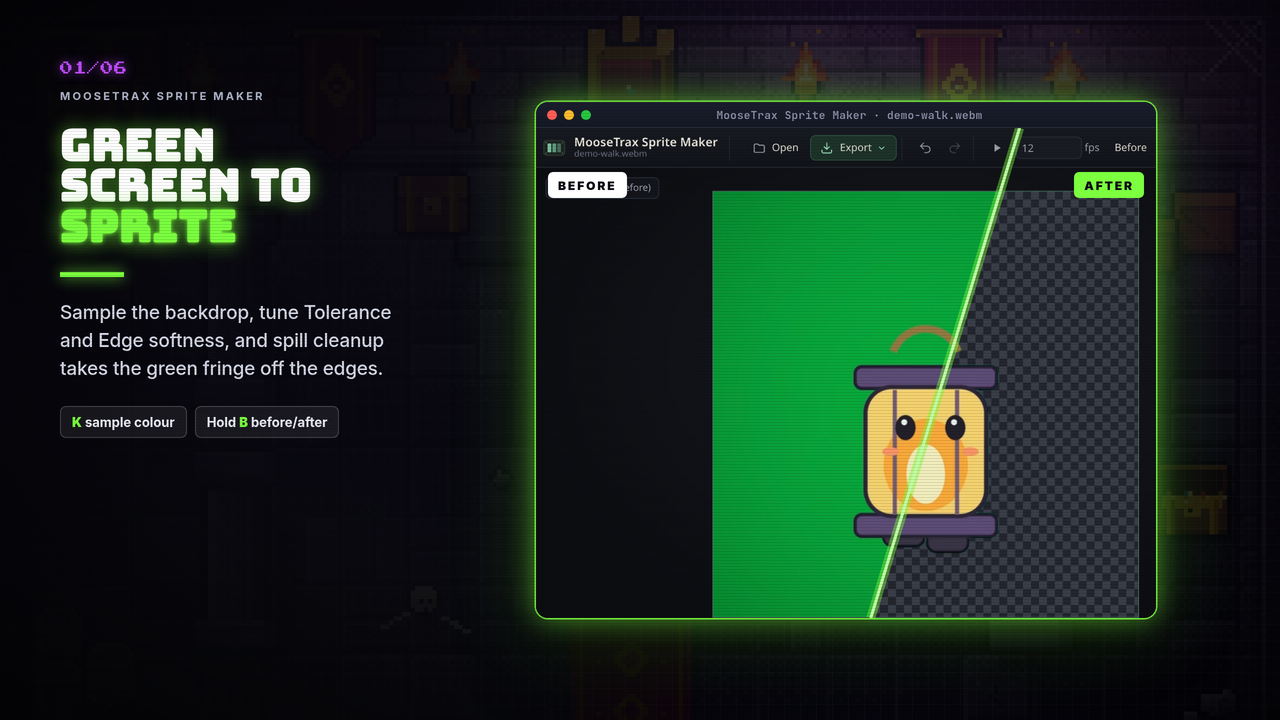
- Remove the backdrop. Press K and click the backdrop (or let the app guess from the corners), then tune Tolerance and Edge softness. Spill cleanup takes the green fringe off edges.
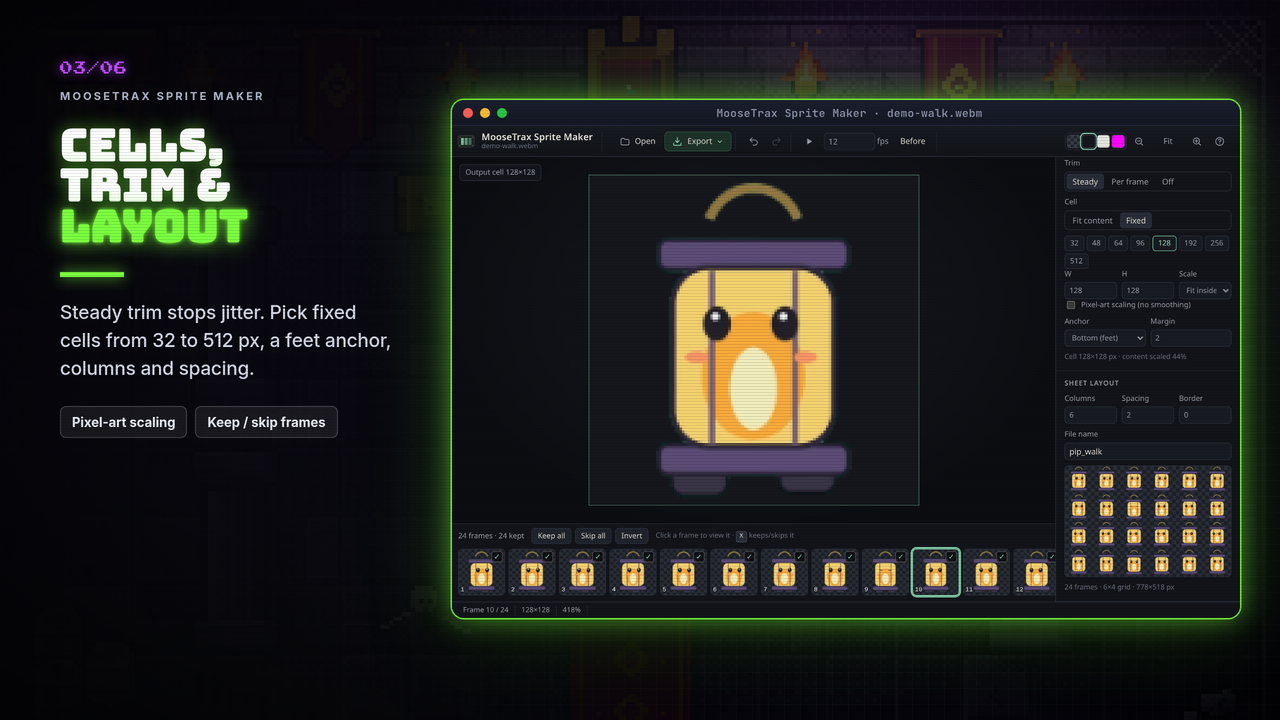
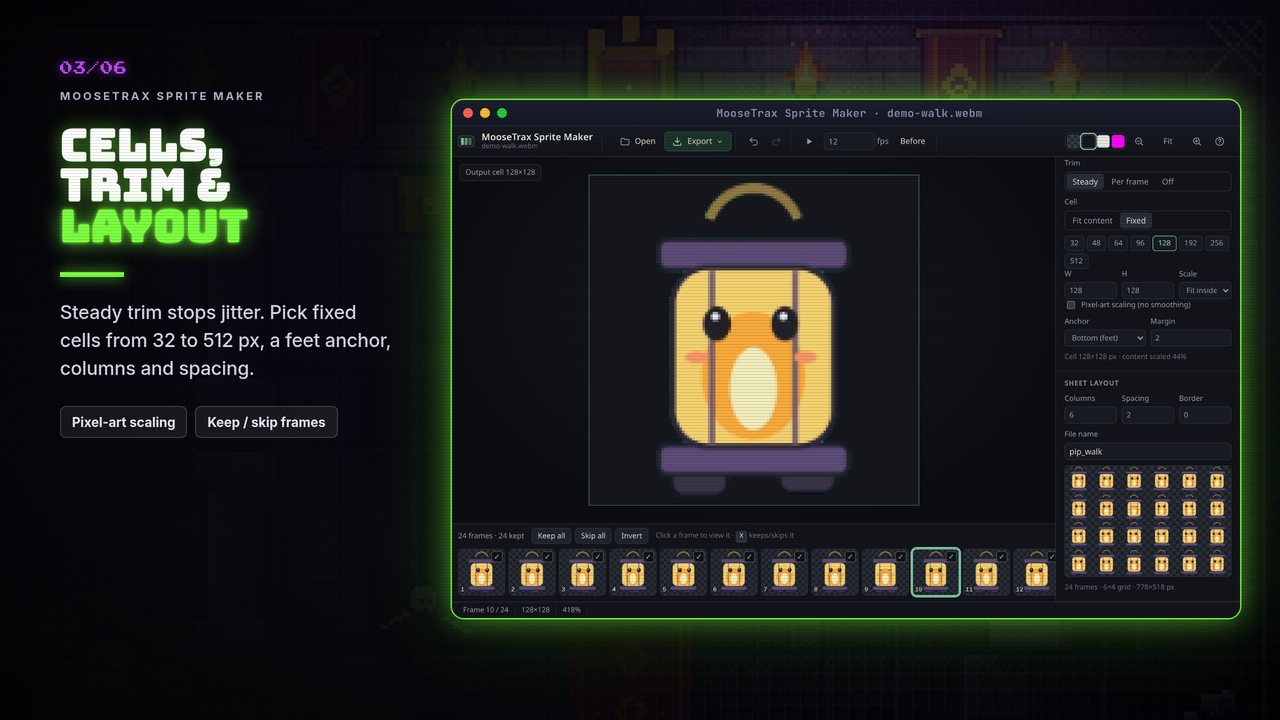
- Tidy up. Steady trim keeps walk cycles from jittering. Pick a cell size, shave a coloured rim, and press X on frames you don't want.
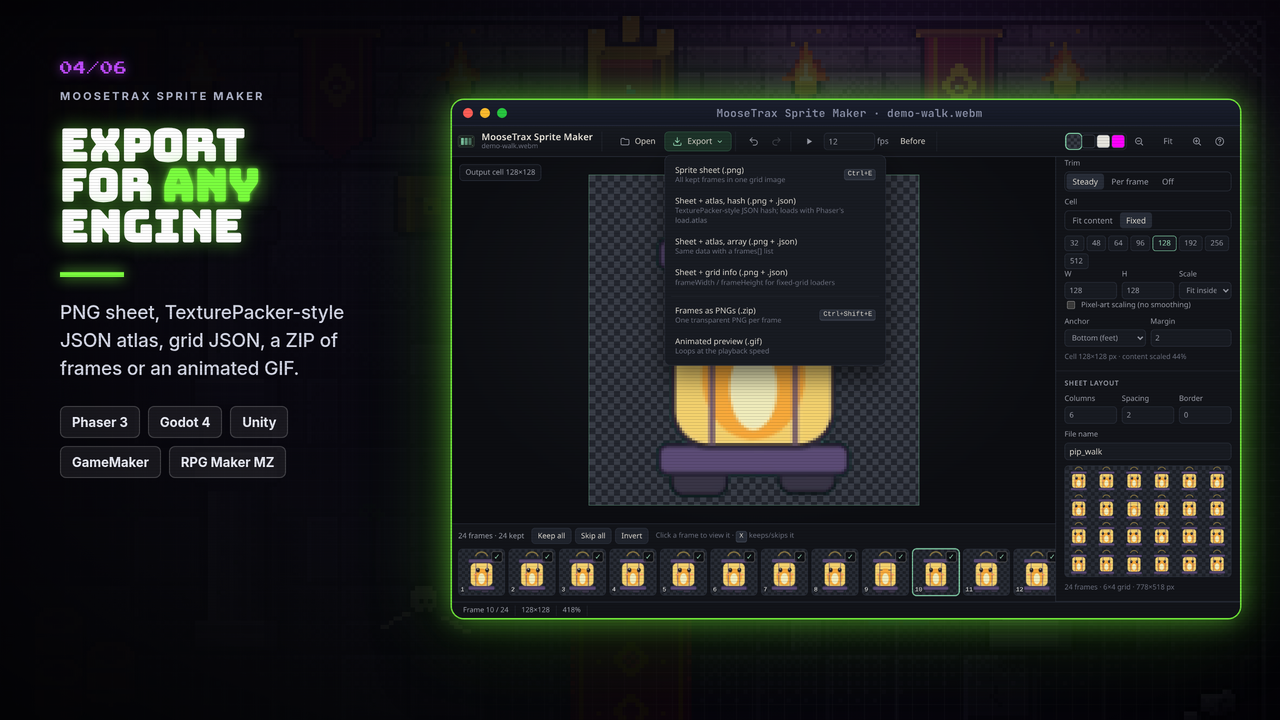
- Export. Sheet PNG, sheet + JSON atlas, a ZIP of frames, or a looping GIF.
Your toolkit
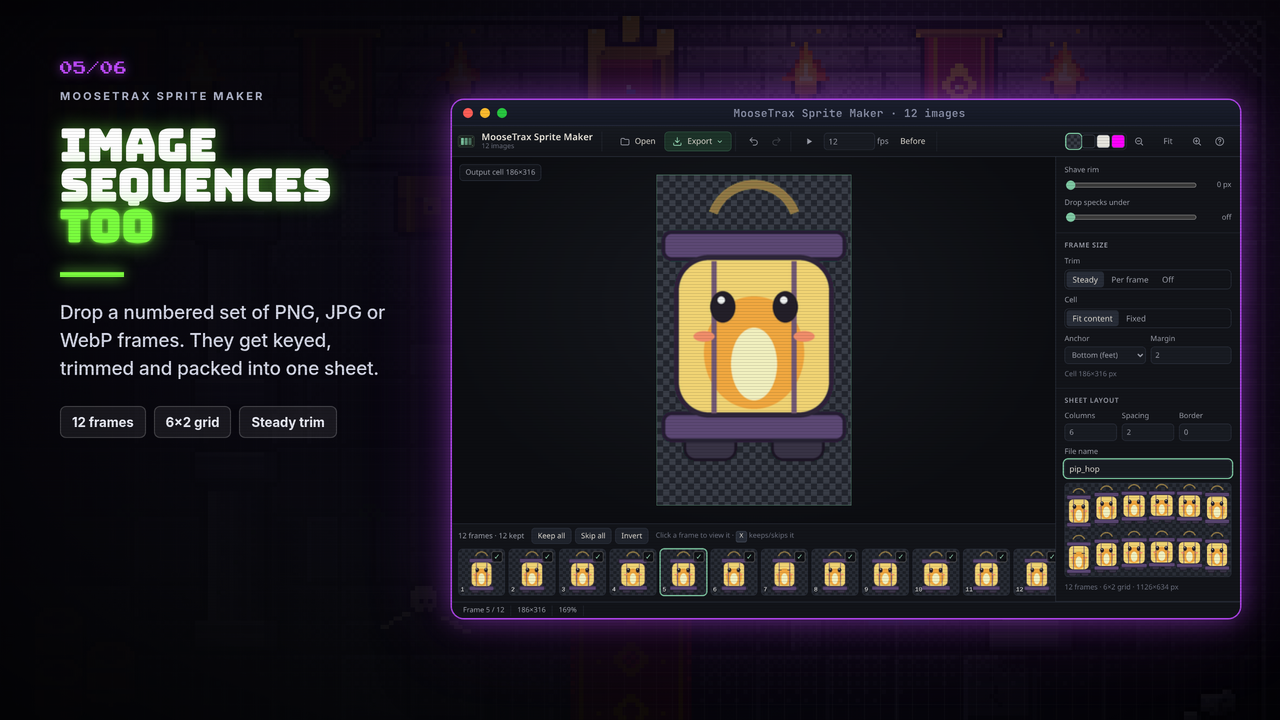
- Video or image input: MP4, WebM, and any MOV your browser can play, or a numbered set of PNG / JPG / WebP frames.
- Clip range with In / Out, every-Nth-frame and sample-rate options, and a live keyed preview.
- Chroma key on colour, not brightness, so uneven lighting keys out evenly and whites, greys and skin tones stay solid. Any backdrop colour works.
- Edge cleanup: shave rim and drop stray specks.
- Frame size: Steady, Per-frame or Off trim; fit-content or fixed cells (32–512 px or any size); feet or centre anchor; pixel-art scaling.
- Sheet layout: columns, spacing, border and file name.
- Before / after (hold B), four preview backgrounds, undo / redo and keyboard shortcuts (press ?).
Export for your engine
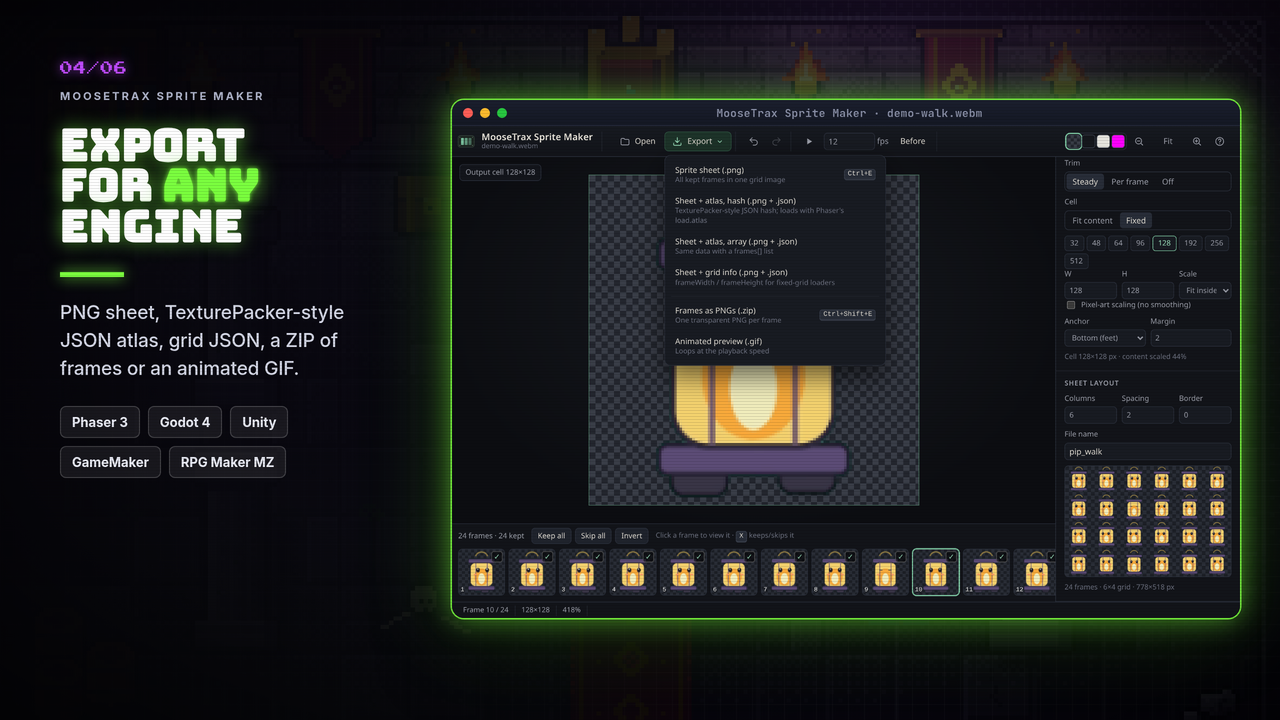
- Sprite sheet (
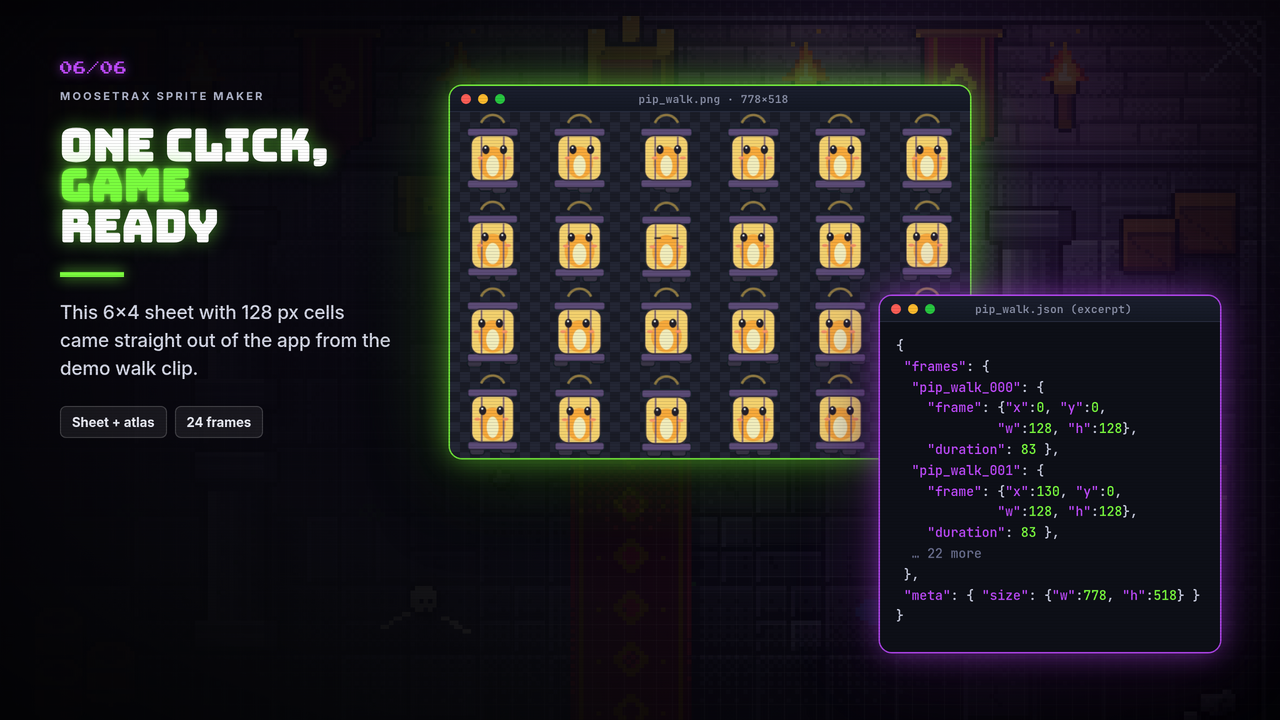
.png) for any engine that slices a grid. - Sheet + JSON atlas, hash or array (TexturePacker-style). Loads in Phaser 3 with
this.load.atlas, PixiJS, HaxeFlixel and more. - Sheet + grid info (
frameWidth,frameHeight, spacing, columns, fps) for Godot, Unity, GameMaker, Defold, Bevy and others. - Frames as PNGs (
.zip) and an animated GIF for store pages and Discord. - Special layouts: RPG Maker MZ / MV
$character sheets (12 frames, 3 columns) and Roblox particle flipbooks.
The README has step-by-step settings for each engine.
What's in the zip
- The app (HTML / CSS / JS), README, changelog and license
- A demo character, Pip, as a green-screen video and a frame set, so you can try it right away
System requirements
A current Chrome, Edge, Firefox or Safari on Windows, macOS or Linux. A 1280×720 screen or larger.
License (summary)
- Use everything you export in any project, free or commercial. No royalties, no credit needed.
- One purchase covers you and your team.
- Please don't resell or redistribute the tool itself. See
LICENSE-COMMERCIAL.txt.
Questions or found a bug? Leave a comment below. — Johnny, MooseTrax Gaming Studio
Purchase
In order to download this tool you must purchase it at or above the minimum price of $4.99 USD. You will get access to the following files:
Leave a comment
Log in with itch.io to leave a comment.